Nesty pricing, plainly.
Start with the parent app, use the 30-day trial, then keep one family subscription for Nesty Parent and the child Android tablet setup.
- 30-day trial
- Monthly family plan
- Founder lifetime access
- One family subscription
Beta founding plans
Choose monthly or founder lifetime after the trial.
Open Plan in Nesty Parent to view the current Google Play offer for your account and region. The store confirms the final amount before you buy. Existing valid family access does not need to be purchased again.
Monthly
Monthly family access
A recurring family subscription. Google Play shows your local price and renewal terms before you confirm.
Lifetime
Founder lifetime access
One payment for family lifetime access. See the current local Google Play offer before confirming.
Access
One family subscription
Nesty Parent handles billing. Nesty Child Tablet is part of the family setup and is not sold separately.
Billing
Google Play and existing Stripe accounts
Subscriptions, card updates, billing history, and cancellation are managed through the subscription area in Nesty Parent.
What the subscription covers
The paid product is the family protection setup, not a separate child-app purchase.
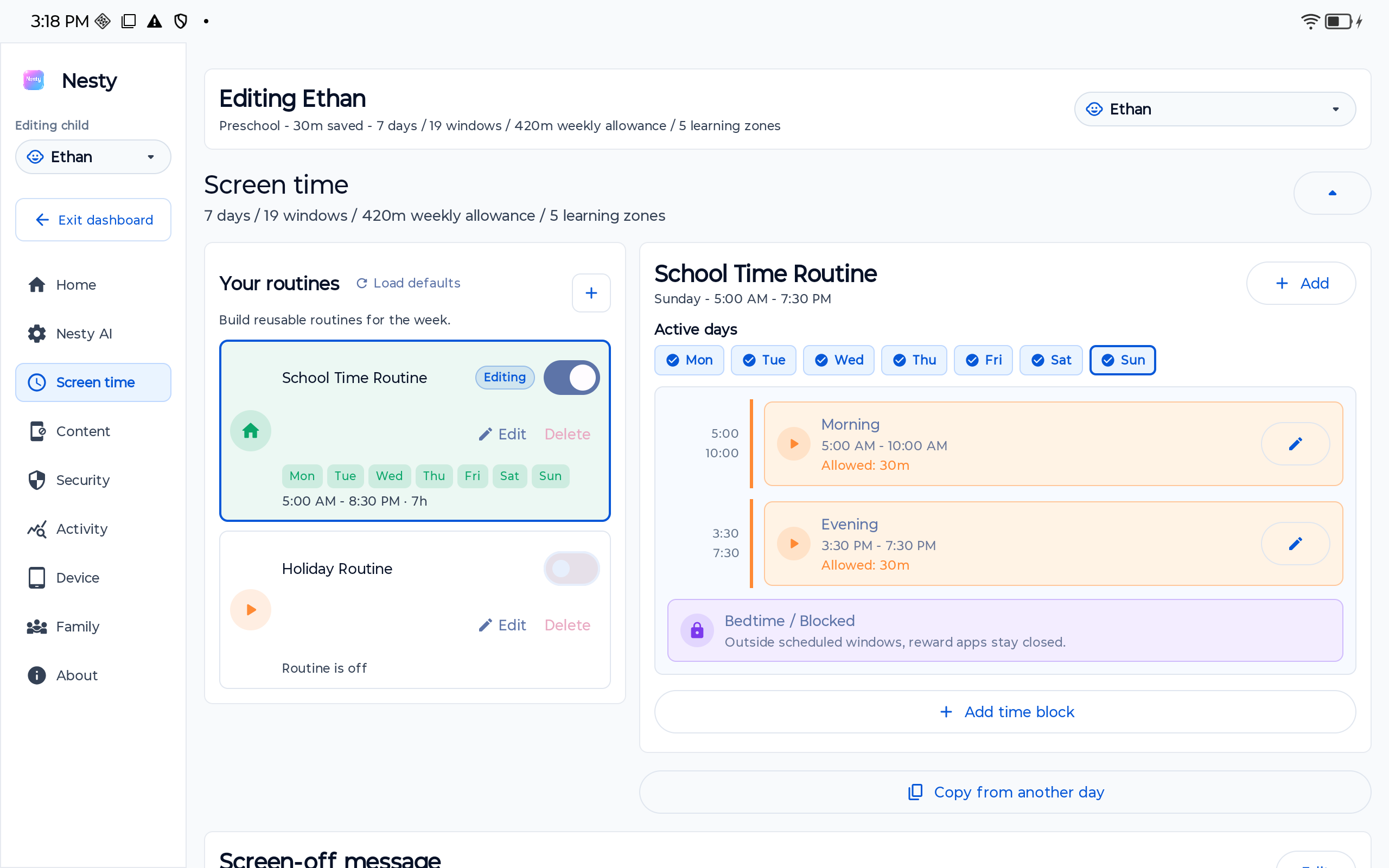
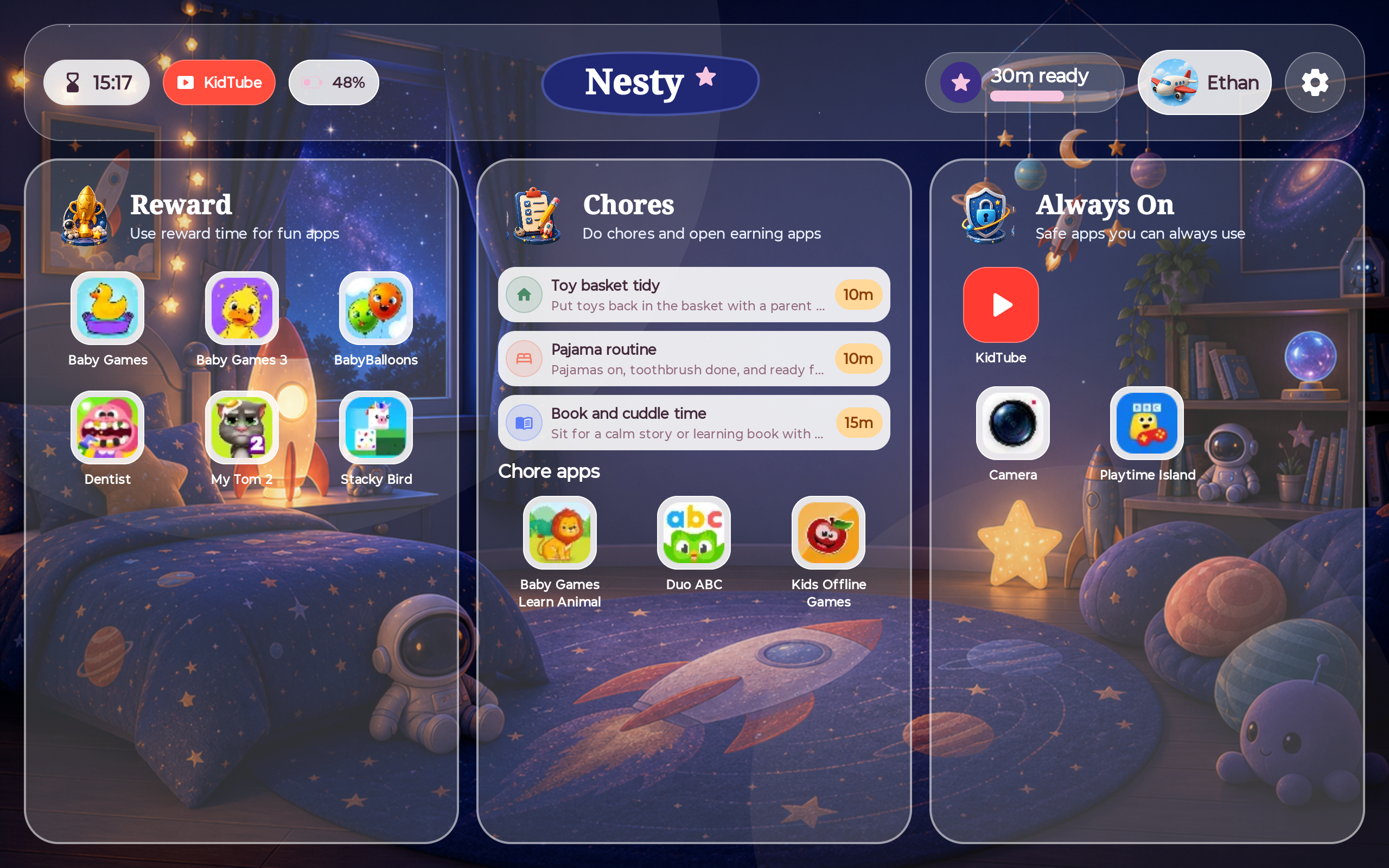
Nesty is designed as one family product. The parent app is the account, billing, family setup, child profile, dashboard, support, and control surface. The child tablet app is the controlled Android tablet surface that receives the family rules.
That distinction matters for trust. Parents should not have to guess whether they are paying for a parent app, a child app, a PC helper, or a separate tablet license. The current model is one family subscription attached to the parent account.
Included in the family setup
Pricing should connect to what parents actually get.
The subscription is for the parent-managed tablet routine: schedules, app lanes, KidTube, chores, reward time, quiet hours, and setup support.
Pricing comparison
A simple view of the current beta offer.
This table avoids review-style claims. It only states the current Nesty subscription structure and where to verify it.
| Question | Current Nesty answer | Where to verify |
|---|---|---|
| Is there a free trial? | New family accounts receive a 30-day trial. Paid purchases require a separate checkout confirmation. | Install site and terms. |
| What is the monthly beta price? | Your local monthly price is shown by Google Play before purchase. | Install site, terms, and the parent subscription screen. |
| What is the founder lifetime price? | Your local one-time price is shown by Google Play before purchase. | Install site, terms, and the parent subscription screen. |
| Does the child app cost extra? | No. The child tablet app inherits access from the family subscription. | Nesty product instructions and setup flow. |
| How do parents cancel? | Use the subscription area in Nesty Parent to manage or cancel billing where applicable. | Terms and parent subscription screen. |
Pricing FAQ
Short answers before a parent starts setup.
Use these details to decide whether Nesty is worth testing on your family's Android tablet.
How much does Nesty cost?
New families receive a 30-day free trial. Google Play shows monthly and founder lifetime local prices before purchase.
Is Nesty Child Tablet sold separately?
No. Nesty Child Tablet is part of the family setup. The parent account subscription controls family access.
Does Nesty promise perfect protection?
No. Pricing does not change the limits: parents should still test the exact tablet, Android version, setup state, and recovery path.