Family tablet control
Clear tablet rules. Less arguing.
School stays open. Games wait. KidTube stays contained. Child screens can feel calmer, brighter, or more grown-up as the family changes.
Nesty is built for parent-managed child Android tablets where families want visible screen-time rules, app lanes, website boundaries, chores, rewards, quiet hours, and a setup path they can check before handover.
Nesty is made by Snoaper, the Danish business behind the product (CVR 45076199).
- Rewards from chores
- KidTube
- Quiet hours
- Parent overview
Latest release
Setup now matches the parent dashboard.
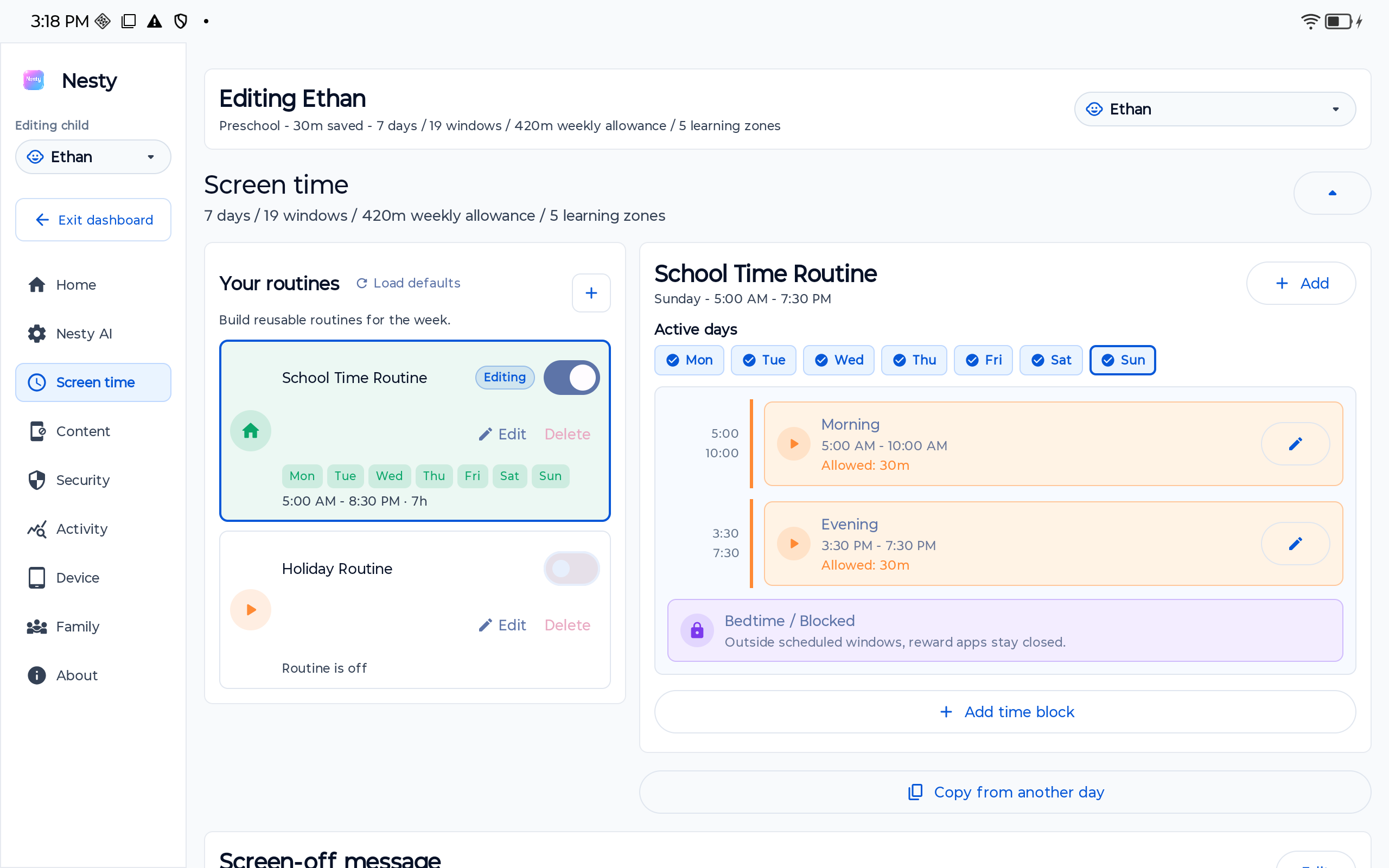
The first-install onboarding and Android setup handoff now use the same cleaner dashboard styling as parent tools.
Onboarding style
First-install setup now uses the updated parent-dashboard cards, text colours, and buttons.
Setup handoff
Provisioning and recovery holding screens use the same lighter Nesty setup treatment.
KidTube control
Show or hide the KidTube launcher from the parent dashboard while regular YouTube remains blocked.
One day
A school day, at a glance.
Learning first. Fun later.
Example: Riley
Chores lead. Reward time follows.
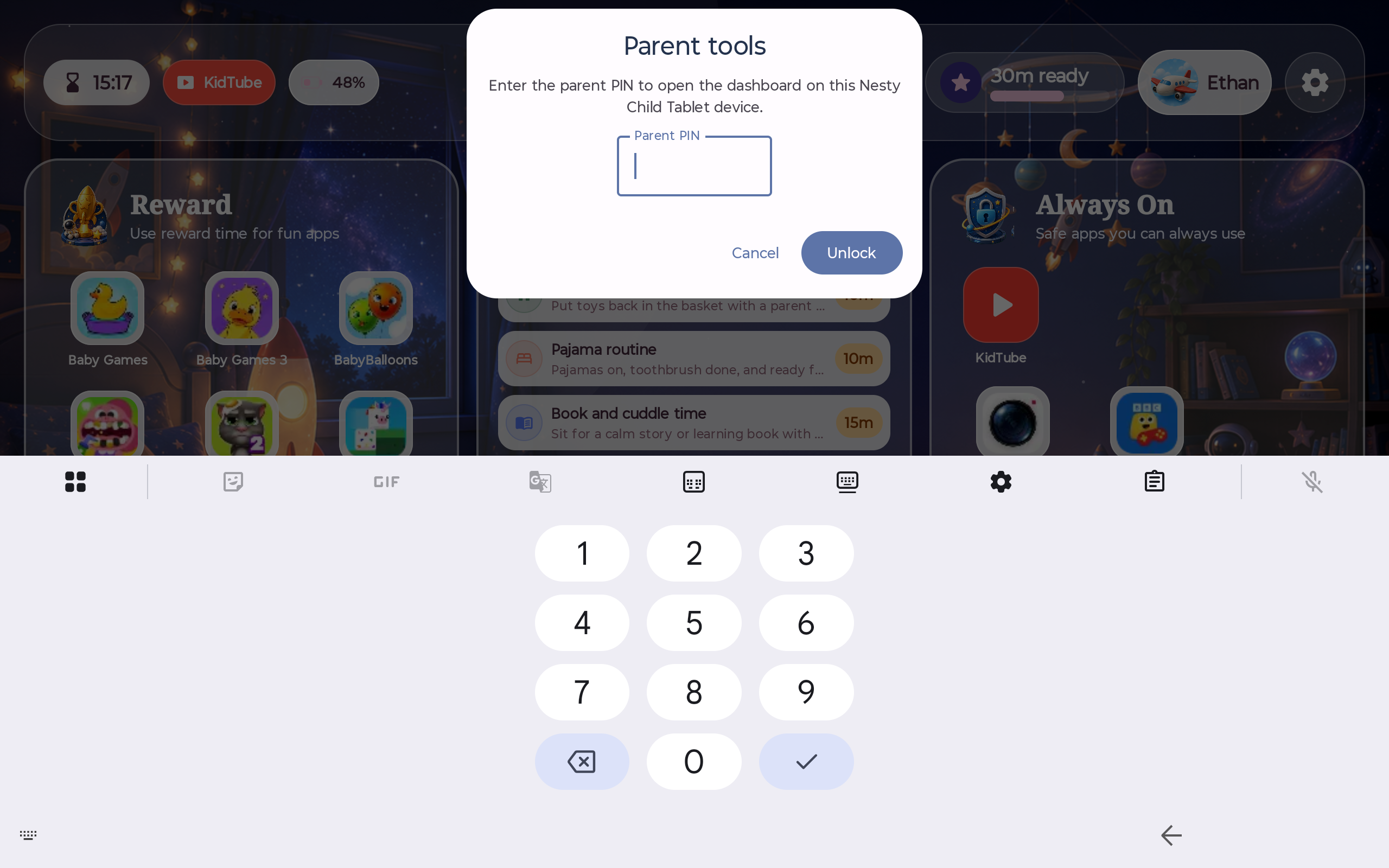
When time is off, the tablet says so.
No guessing. No grabbing the device.
- Always-on tools stay available
- Reward apps stop cleanly
- Kids see the rule on-screen
Screens
Real screens. Real product.
No mock UI.
Parent overview
Children, alerts, banked time.
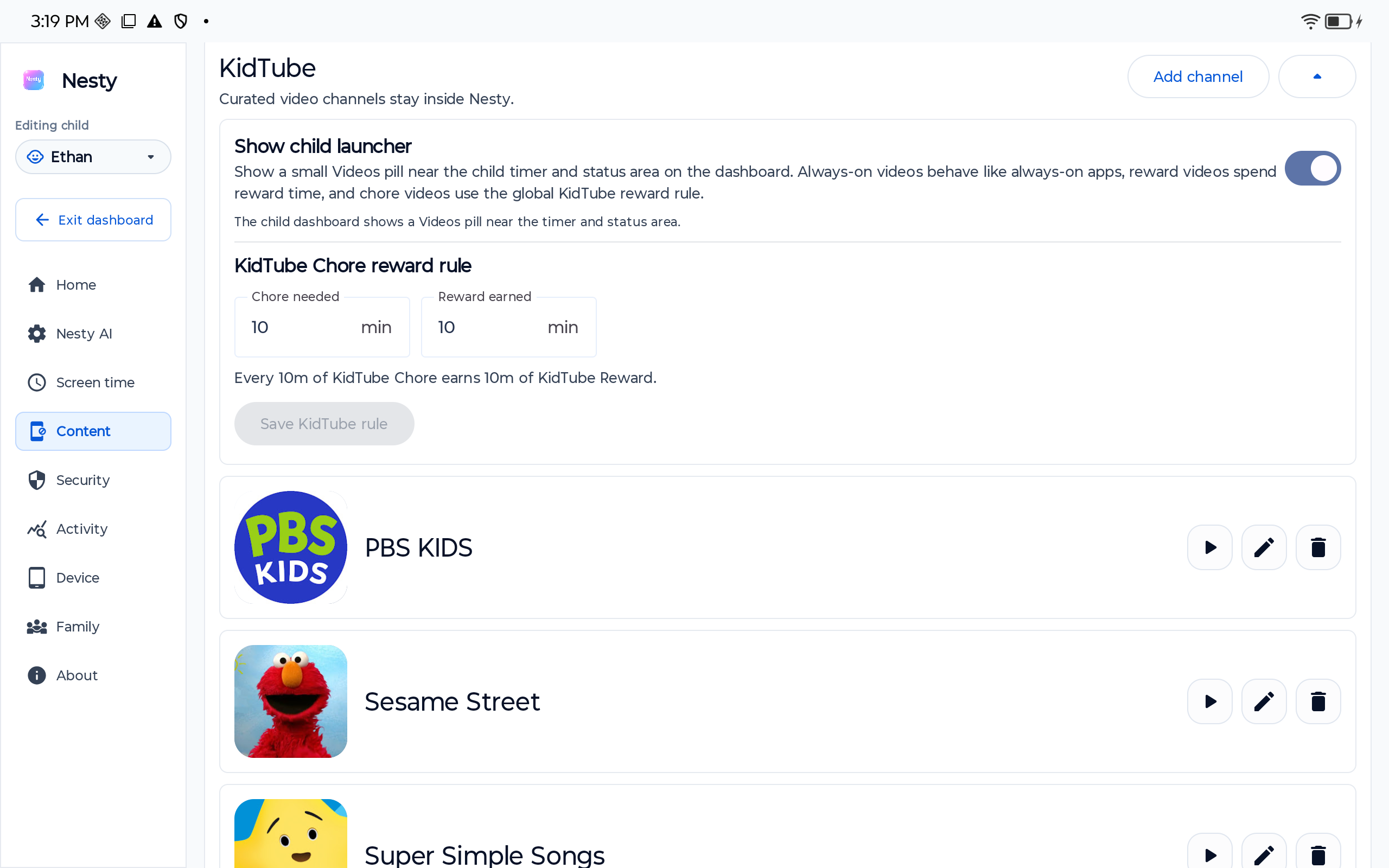
KidTube
Approved channels only.
Screen lock
Screen time is off.
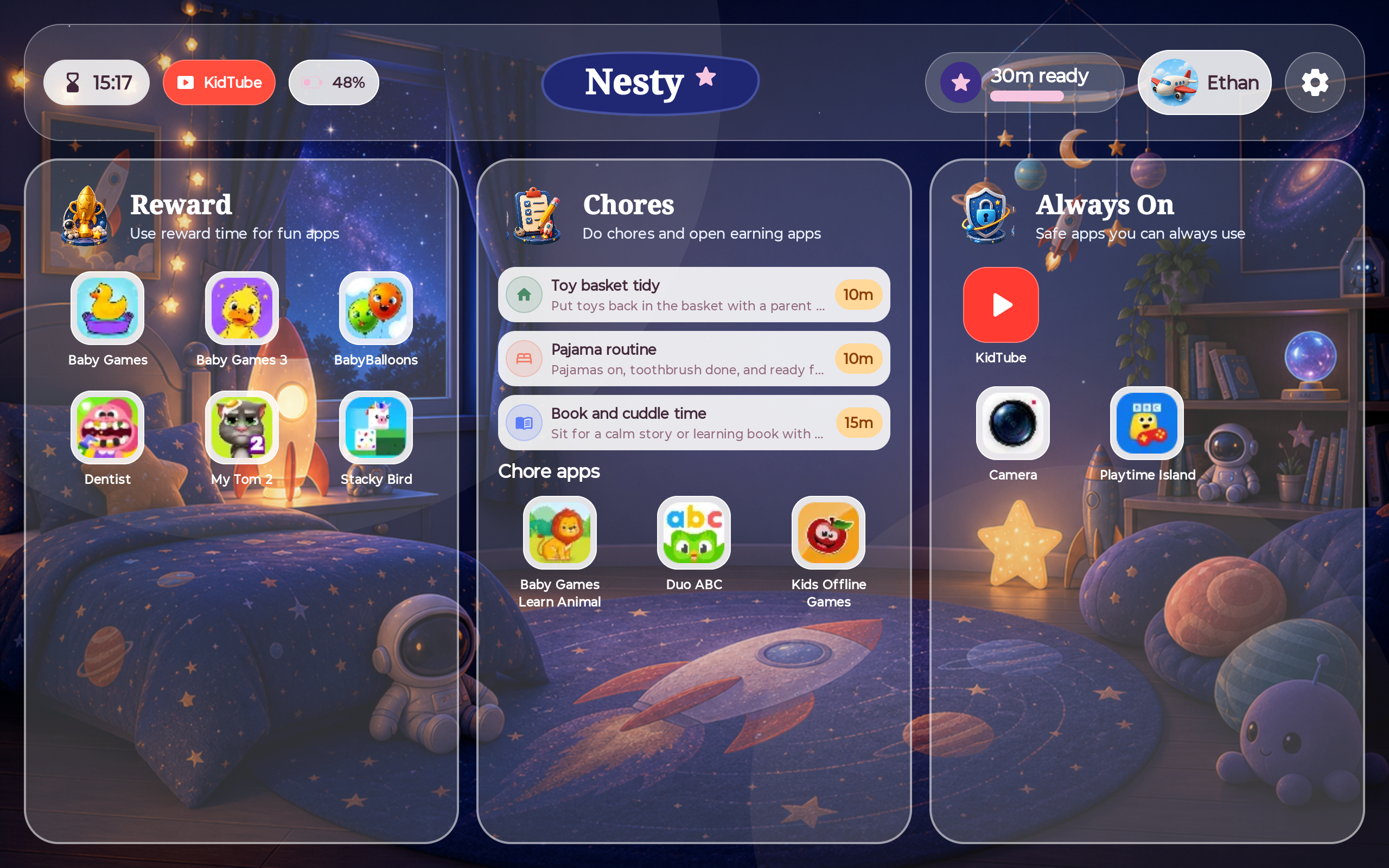
Child dashboard
Rewards, chores, always-on.
Setup
Start with the parent app. Then make the tablet controlled.
Setup is intentionally split: parents create the family from their phone, then add the child tablet with a clean controlled setup path.
Step 1
Install parent app
Scan the QR on the install site or download the parent APK directly.
Step 2
Create the family
Add the child profile, schedules, app lanes, rewards, and KidTube choices.
Step 3
Prepare tablet
Use a reset Android tablet for the current controlled setup path.
Step 4
Choose the screen
Pick the child dashboard look and decide whether KidTube is visible.
FAQ
Setup, downloads, and child screens.
Short answers for parents deciding whether Nesty fits their tablet setup.
How do I set up Nesty?
Install the parent app, create the family, then prepare a reset Android tablet for the controlled child setup path.
What downloads are available?
The install site hosts the parent APK, child tablet APK, and Windows PC Link helper.
Can I control KidTube?
Yes. Regular YouTube stays blocked by default, and parents can show or hide the KidTube launcher.